Experiences & Home › Hue Essentials alternative
THE ESSENTIAL HUE ALTERNATIVE
Forget “essentials”. Our device programming is next gen.
Essentials are a good start. hueDynamic is where your Hue home goes next: buttons that run parallel actions across rooms, switches that know the time of day and motion sensors with a daily rhythm — plus AI Auto DJ, 100+ experiences with sound and a Smart Home API for Home Assistant.
Free to try on iPhone, iPad, Mac and Android. Works with Hue Bridge and Hue Bridge Pro.
NEXT-GEN DEVICE PROGRAMMING
One press. Every room. Any time of day.
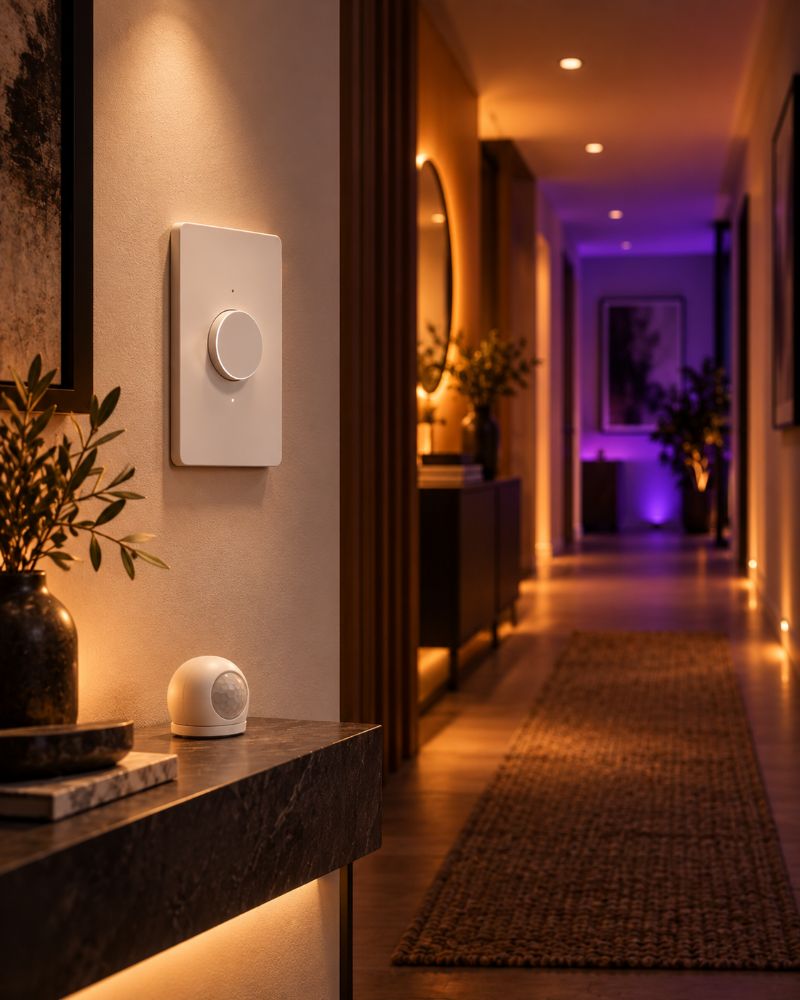
A button that recalls one scene is the essentials. hueDynamic gives every button a plan, then saves it to your Hue Bridge so it runs instantly, even with your phone switched off.
Parallel actions
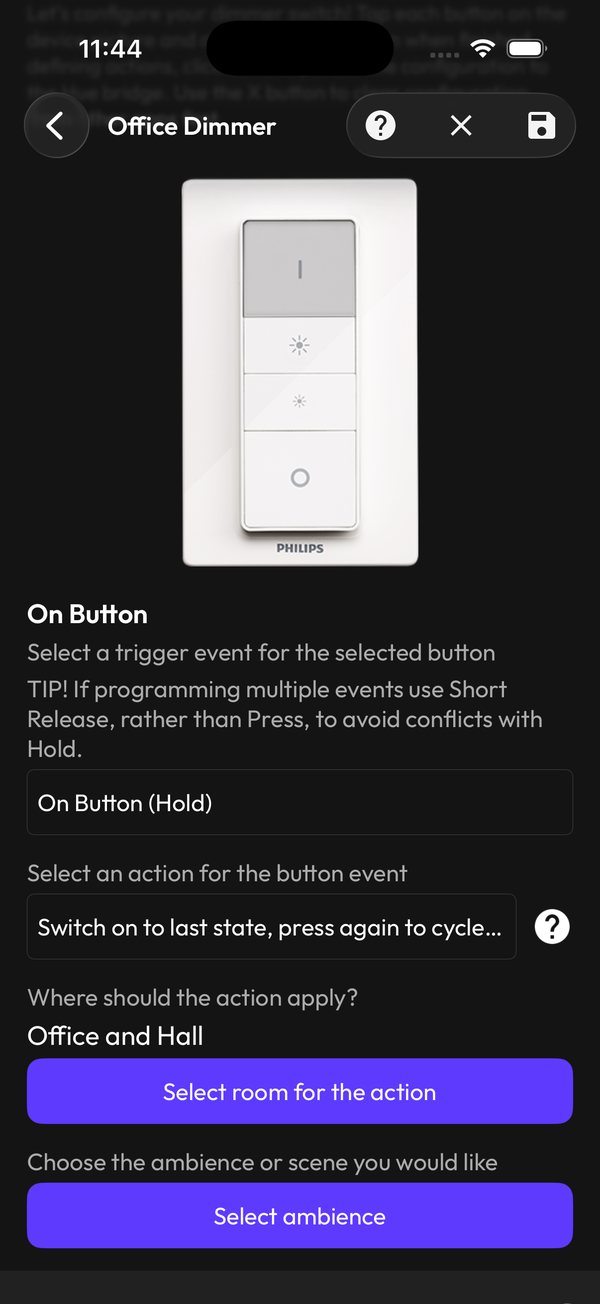
Add parallel actions to a single button event, each with its own room or light group and its own action. Fireplace in the lounge, 20% in the hall, kitchen off — from one press.
Time constraints
Give any action a time window. Combine parallel actions with non-overlapping windows and the same button does something different in the morning, the evening and at night.
Smarter button actions
Switch on to the last state and press again to cycle scenes, cycle brightness and off, step through each light in a room, flash the lights, toggle the colour loop or start and stop timers on the bridge.
Press, release, hold and turn
Give one button separate jobs for press, short release and hold. On a Tap Dial, choose the steps and fade time for each direction of the dial.
Motion sensors with a daily rhythm
Split the day into periods such as day, evening and night, each with its own lights, scene and brightness. Respect ambient light, react when it gets dark while you're in the room, or step in only when the lights are off.
Motion Snooze
Take manual control and hueDynamic snoozes your motion sensors for as long as you choose, so they never undo what you just set.
Light sensors, too
Use the light level from a Hue motion sensor to change scenes or brightness as the room gets darker or lighter.
Runs on your bridge
Switch and sensor programs live on your Hue Bridge, so they respond instantly without the app. Back up switch profiles and restore them whenever you like.
Program the switches and sensors you already own:
Going further than the bridge can: motion sensors can also start experiences, playlists and spooky sound effects on the device running hueDynamic. More about switches and sensors →
ESSENTIALS VS NEXT GEN
Same Hue lights. A whole new level.
This is what changes when your Hue home moves beyond the essentials.
| Feature | The essentials | hueDynamic next gen |
|---|---|---|
| Buttons | Recall a scene, switch on or off | Parallel actions across rooms, each with its own time window |
| Time of day | The same action all day | Morning, evening and night behaviour on the same button |
| Motion | Lights on when you walk in | Daily periods, light levels, Motion Snooze and motion-triggered experiences with sound |
| Effects | Animated colour effects | 100+ experiences with sound and downloadable Experience Packs |
| Music | Lights that pulse to the beat | On-device AI Auto DJ with 19 genre presets, a multitrack sequencer and 16 DJ pads |
| Rooms | A scene per room | A different experience in every room at once, across several bridges |
| Smart home | Schedules and timers | A local HTTP API for Home Assistant, Node-RED and Homey, plus Siri and Shortcuts |
“The essentials” describes everyday features found across Hue apps, not any one app.
NOT JUST SWITCHES
And that's just the switches.
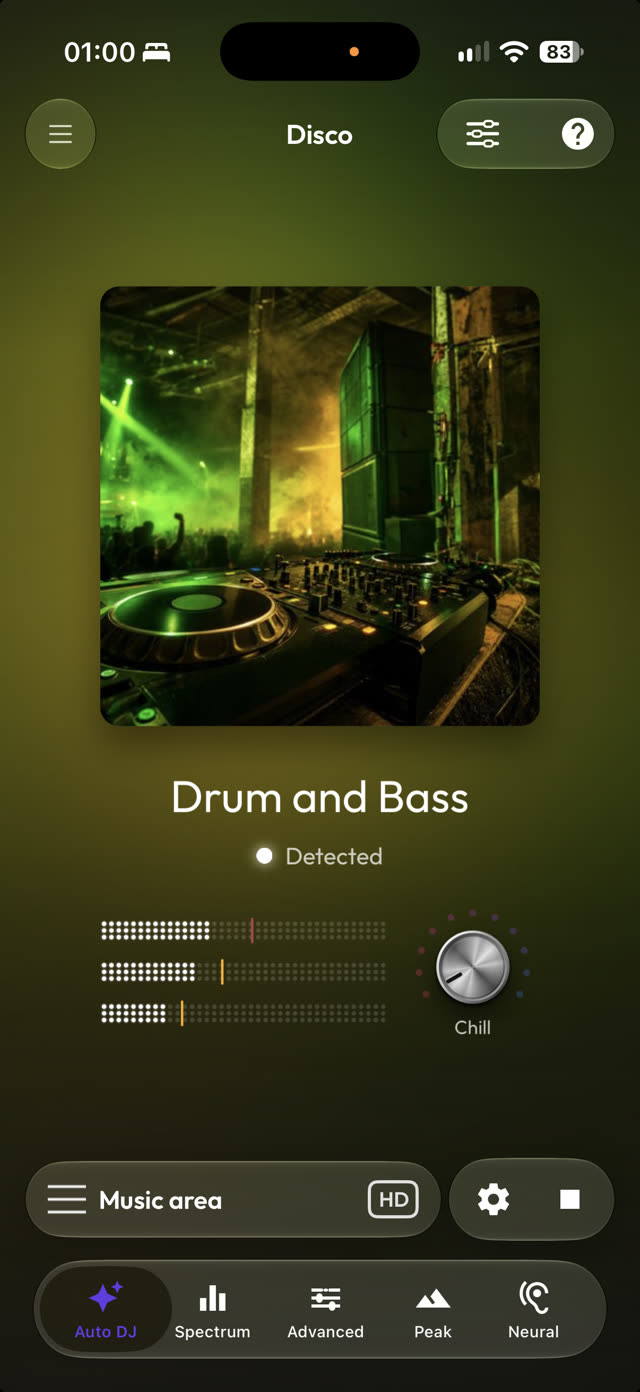
hueDynamic is the most complete app for Philips Hue. Press play and Auto DJ recognises the genre right on your device, switching the light show as your playlist moves from house to rock to reggae. Turn the Chill knob to soften the whole show.
- AI genre recognition on your device, with 19 genre presets
- Streams over Hue Entertainment. No Sync Box needed
- Start Auto DJ from Home, Siri or the Smart Home API
Advanced Disco
Bass, voice and treble each drive their own lights. Start from a genre preset, tune the bands and save your own.
Music & shows → ▤Sequencer and DJ pads
Compose light shows on per-light tracks with ADSR envelopes, then perform live on 16 beat-snapped pads.
The Party studio → ✺100+ experiences with sound
Fireplace, Northern Lights, Thunderstorm and more: light and stereo sound together, in every room at once.
Explore experiences → ✚Experience Packs
Themed packs from Ocean Worlds and Spa Day to Halloween Songs, with new packs through the year. Installed packs play offline.
See the packs → ↻Playlists
Chain experiences and sound effects, loop or shuffle them, and start them from Siri, a motion sensor or the API.
Build a playlist → ▦Every room at once
Fireplace in the lounge, Ocean Worlds in the bedroom, Disco in the kitchen — across one bridge or several, including Hue Bridge Pro.
Every room → ▶Movie night
Point your phone at the TV and the lights follow the picture, with smoothing, anti-flicker and brightness limits.
Movie night → ◐Scenes from any picture
Search for a photo or use your own, pull out its colours, tweak them and save the scene to any room.
Everyday control →SMART HOME INTEGRATION
Plugs into the rest of your smart home.
Switch on the Smart Home API and Home Assistant, Node-RED, Homey or any script can start experiences, playlists and Auto DJ, set colours and arm motion triggers — over your own network, with no cloud account.
- Local network only, protected by your private API key
- Siri and Apple Shortcuts for experiences, playlists and Auto DJ
- Fireplace at sunset, Ocean Worlds when the bath fills, a scare when the doorbell rings
POST /v1/disco/start
{"roomId":"…","autoDj":true}
Explore the Smart Home API → 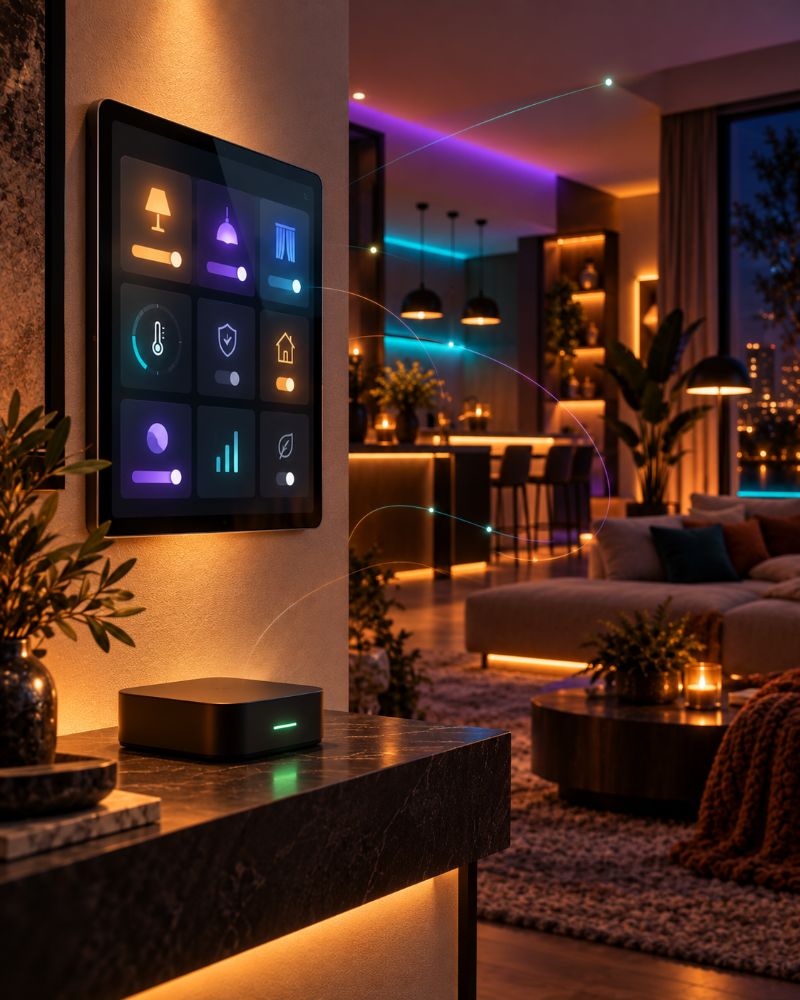
WHY HUEDYNAMIC
The most modern app for Hue.
Rebuilt from the ground up
A brand-new engine in 2026 for the latest iPhone, iPad, Mac and Android, with light and dark themes throughout.
On-device AI
Auto DJ's genre recognition runs right on your phone or Mac. No cloud service listens to your music.
Hue Bridge Pro ready
Works with Hue Bridge Pro and the classic Hue Bridge, and runs effects across several bridges at once.
Hue Entertainment streaming
Tight, low-latency effects for music, shows and Movie night, with recovery from temporary interruptions.
Local first
Switch programs run on your bridge, and the Smart Home API stays on your own network.
Always moving forward
New features and Experience Packs arrive month after month.
See the changelog →Free to try. Pro 2.0 when you're ready.
Light control, rooms and favourites are free, and you can preview experiences, Disco and Party. Pro 2.0 unlocks everything as a subscription or a single one-time purchase, with multi-bridge included.
Questions
Already have the essentials covered?
Then hueDynamic is your next step: switch and sensor programming with parallel actions and time constraints, 100+ experiences with sound, AI Auto DJ, Experience Packs and a local Smart Home API, all for Philips Hue on iPhone, iPad, Mac and Android.
Can I move my switches over from another app?
Yes. Open the switch in hueDynamic, clear the configuration other apps left behind with the X button, then program it. Your rooms, scenes and lights are already on your bridge, so they appear straight away.
Can I keep my essentials, too?
Yes. hueDynamic works alongside your other Hue apps on the same Hue Bridge. Just program each switch or sensor from one app, so their rules don't overlap.
Do programmed switches need my phone nearby?
No. Switch programs are saved to your Hue Bridge and run there. Experiences, playlists and sound effects triggered by motion run on the device running hueDynamic, so keep it nearby for those.
Which lights work?
Any lights on a Hue Bridge or Hue Bridge Pro, including compatible third-party Zigbee bulbs.
Who makes hueDynamic?
MD2 Solutions, an independent developer making apps for Hue since 2017. hueDynamic isn't affiliated with any other Hue app, Signify or Philips.
More to explore
LITERALLY EVERYTHING FOR HUE LIGHTS
Ready to go beyond the essentials?
Free to try on iPhone, iPad, Mac and Android. Requires a Philips Hue Bridge.
Hue Essentials is a trademark of its respective owner and is mentioned for comparison only. hueDynamic is not affiliated with or endorsed by its developer. Philips Hue is a trademark of Signify.